
YouTube Software for Femmeprenistas: Top Picks for Growth in 2025
- (Admin) The Thrivology Company
- May 12, 2024
- 8 min read
Empowering Your YouTube Presence: Carlene's Strategic Software Picks for Femmeprenistas in 2025 (From First Video to Pro Content)
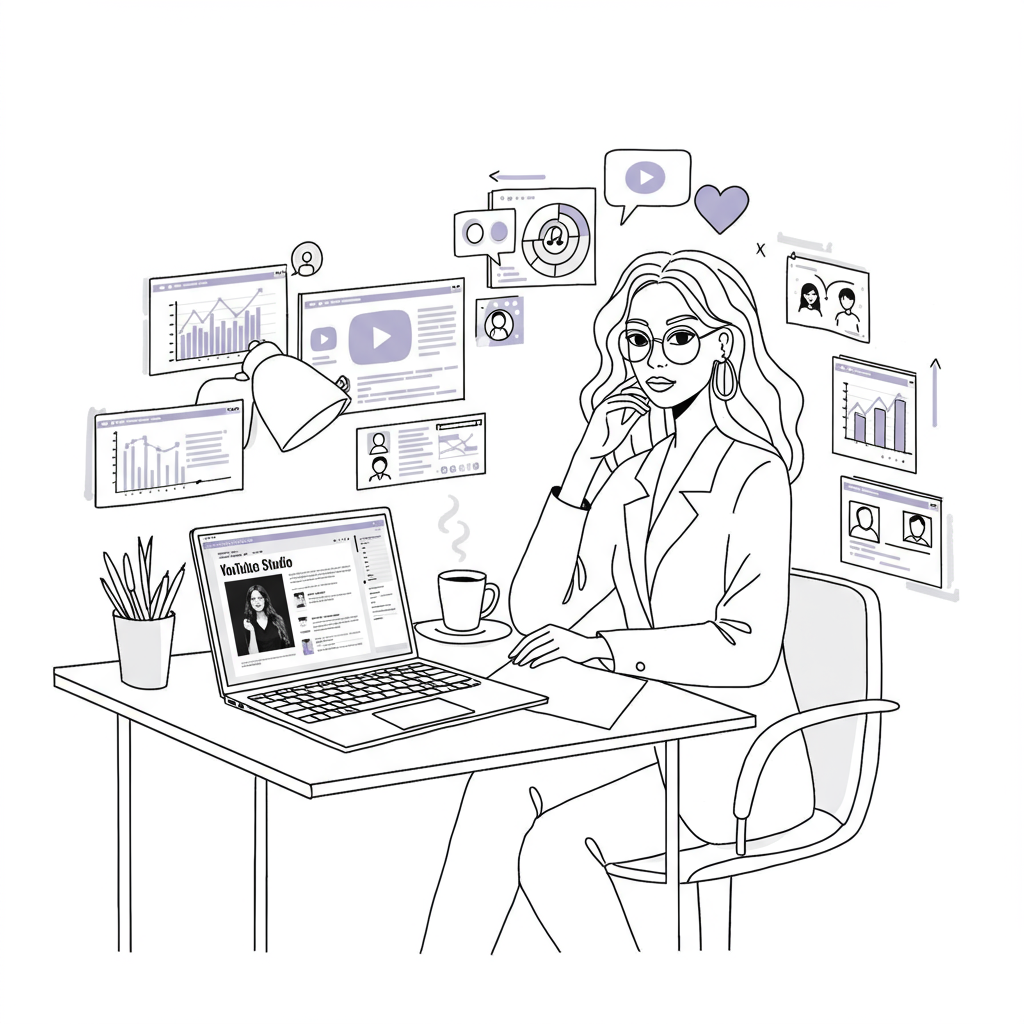
Ever feel like YouTube is this giant, glittering mountain you know you should climb for your business, but the thought of video editing sends you into a cold sweat? Or perhaps you’ve bravely dipped your toes in, only to find yourself drowning in a sea of complicated software and lost hours you simply don’t have? Honestly, I get it lovely! As a fellow CEO, a mum of four (yes, four!), & someone who’s navigated the exhilarating, & at times utterly bonkers, world of online business, I’ve been there. I remember trying to film a quick welcome video for a course once, with my toddler daughter convinced that my new ring light was a fascinating climbing frame & the school run looming. Let’s just say it involved a lot of tears... mostly mine!
But here’s the thing: video, especially on a powerhouse platform like YouTube, isn’t just a ‘nice-to-have’ anymore. It’s a strategic imperative for us ambitious female entrepreneurs who want to connect deeply, build trust, & truly showcase the unique magic we bring to the world. Studies show businesses using YouTube experience, on average, a 49% revenue increase https://www.thinkwithgoogle.com/marketing-resources/youtube-statistics/. It’s a cornerstone of building a business with genuine impact & purpose, something we explore deeply in our work here at Femmeprenista to help you https://www.femmeprenista.com/work-with-us.
This post isn’t just another list of tech tools. Oh no. Think of this as your trusted guide, from my Femmeprenista heart to yours, on how to strategically select the right video editing software in 2025. We’re talking about tools that will significantly boost your YouTube presence & business growth, without adding to the beautiful chaos of our lives or making you want to throw your laptop out of the window. It’s about empowering you to make smart choices that enhance your brand, captivate your audience, & most importantly, give you back precious time.
Why YouTube is a Game-Changer for Femmeprenistas (It’s All About Strategic Flair!)
Let’s be clear: showing up on YouTube isn't about vanity; it's about visibility & value. Choosing to invest your energy here is a savvy business decision. Video allows you to build an unparalleled level of connection with your audience. They see your passion, hear your voice, & get a real sense of who you are & the incredible value you offer. This is how you start to magnetise those soul-deep clients, the ones who just get you & are thrilled to invest in what you do.
When done right, your YouTube presence becomes a powerful extension of your brand, adding that irresistible 'Flair' we talk so much about within the Femmeprenista approach. It’s about showcasing your expertise & personality in a way that text & images alone simply can’t match. But, & it’s a big but, the how matters.
Working Smarter, Not Harder: The Femmeprenista Way with Video
If there’s one thing I’ve learned juggling a growing business, a PhD, & the delightful whirlwind of family life (complete with two Miniature Pinschers, Cappuccino & Espresso, who often add their own unique soundtrack to my workday!), it’s the non-negotiable importance of efficiency.
My corporate days taught me a lot, but one of the biggest lessons was the soul-crushing effect of inefficient systems & feeling like a replaceable cog. That’s why at Femmeprenista, we’re passionate about helping you build businesses that support your life, not drain it.
This philosophy extends wholeheartedly to video creation. The goal is to find software that genuinely streamlines your process, automates the tedious bits where possible (hello, smart AI integration!), & helps you produce impactful content without the tech overwhelm.
It’s about creating a smooth, efficient workflow that allows your creativity to shine & your message to land, freeing you up to focus on what you do best. Choosing a tool that saves you time & enhances your workflow is a practical application of the principles we champion within How We Work, designed to help you work smarter & build a business that truly flows.
So, let’s dive into my strategic software picks for 2025, curated with the ambitious, & often wonderfully busy, Femmeprenista in mind.
Carlene's Top 5 Strategic Software Picks for YouTube in 2025
Now, before we jump in, a little note from me to you: this isn’t an exhaustive list of every video editing software out there. Goodness, we’d be here all week! Instead, these are my carefully considered picks, filtered through years of experience, my ongoing research, & a deep understanding of what female entrepreneurs, at different stages of their journey, really need: impact, efficiency, & empowerment.
For Our Foundation Builders: Getting Started with Simplicity & Style
If you’re a ‘Foundation Builder’ in our Femmeprenista world – perhaps you’re validating your incredible idea, just launching, or looking to secure those first wonderful clients – then ease of use, affordability, & quick wins are paramount. You need tools that let you get your message out there professionally without a massive learning curve. For those of you just starting out, remember, powerful video starts with a clear message & validated offer, which is exactly what we help you build in our Spark.
CapCut (Desktop & Mobile)
Why I rate it: Honestly, for a free tool, CapCut is a bit of a powerhouse. It’s incredibly intuitive, packed with features like auto-captions, a vast library of trending sounds & effects (perfect if you’re repurposing content for Shorts or Reels), & it’s available on both your computer & phone.
Pros: Free, very user-friendly interface, auto-captions, loads of templates & effects, cross-platform.
Cons: Can be a little basic for highly complex edits, mobile version sometimes feels more feature-rich than desktop for certain trends.
Ideal for: Absolute beginners, quick social media video edits, creating engaging shorts, anyone on a tight budget needing professional-looking results fast.
Clipchamp
Why I rate it: If you’re a Windows user, you might already have this! Microsoft acquired Clipchamp, & it’s often pre-installed or easily accessible. It offers a clean interface & a good range of essential editing tools in its free tier.
Pros: Free version is decent, very simple to learn, good for basic editing (trimming, adding text, transitions), screen recording features.
Cons: Some advanced features are behind a paywall, performance can sometimes be a little slower with very large files on the free plan.
Ideal for: Windows users looking for a straightforward, no-fuss editor for essential YouTube content; quick explainer videos or vlogs.
For Our Scaling Leaders: Elevating Production & Turbo-Charging Efficiency
As a ‘Scaling Leader,’ you’ve got traction, you’re growing, & now you’re looking to elevate your brand's production quality, streamline your workflows further, & perhaps incorporate more sophisticated storytelling. You need tools that offer more power but still respect your valuable time.
Descript
Why I rate it: This one is a game-changer for efficiency, especially if your content involves a lot of talking (interviews, tutorials, coaching sessions). Descript uses AI to transcribe your video, & then you can literally edit your video by editing the text transcript! Mind. Blown.
Pros: Revolutionary text-based video editing, excellent automatic transcription, AI-powered ‘Overdub’ (to correct words) & ‘Studio Sound’ (to remove background noise), great for repurposing content into audio. This is strategic AI integration at its best.
Cons: Subscription-based, might be overkill if your videos are purely visual with minimal speech. The edit by text can take a little getting used to initially. Honestly, when I first tried Descript, I felt like I was trying to learn a new language! But trust me, the time savings are well worth the initial learning curve.
Vulnerable Moment: When I first started using Descript, I accidentally deleted an entire section of a client testimonial because I wasn't paying attention to which part of the transcript I was editing! The lesson? Even with AI, you still need to double-check your work.
Ideal for: Coaches, course creators, podcasters with video, anyone creating educational content or interviews who wants to slash their editing time & improve audio quality effortlessly.
DaVinci Resolve
Why I rate it: If you're looking for truly professional-grade quality without the hefty price tag, DaVinci Resolve is phenomenal. The free version is incredibly powerful, used by Hollywood professionals for colour grading & effects. It's a full-blown editing suite.
Pros: Extremely powerful free version, industry-leading colour correction & audio post-production tools, robust editing features.
Cons: Steep learning curve – it’s not for the faint-hearted beginner. Requires a reasonably powerful computer. I remember feeling completely overwhelmed when I first opened DaVinci Resolve; it was like stepping into the cockpit of a spaceship! But don't let that scare you off; there are tons of great tutorials out there, & even mastering a few key features can make a huge difference.
Ideal for: Scaling Leaders serious about achieving cinematic quality, those willing to invest time in learning a pro-level tool, or if you're planning to work with a professional editor who uses it.
Adobe Premiere Pro
Why I rate it: No list for scaling video would be complete without mentioning Premiere Pro. It’s the industry standard for a reason, offering comprehensive tools for any video project imaginable.
Pros: Extremely powerful & versatile, integrates seamlessly with other Adobe Creative Cloud apps (like Photoshop & After Effects), vast ecosystem of tutorials & plugins.
Cons: Subscription cost (Adobe Creative Cloud), can be complex for new users, requires a good computer.
Ideal for: Femmeprenistas who are scaling significantly, perhaps working with a team or external editors, & need the absolute top-tier industry-standard tool with a budget to match.
Beyond the Software: Your Strategy is Queen!
Now, as exciting as new software can be (I do love a good system!), please remember this: tools are enablers, but your strategy is queen. The most expensive, feature-rich software in the world won’t make a difference if your content isn’t connecting, if your message isn't clear, or if you’re not showing up consistently for your audience.
That’s where the real magic of the Femmeprenista approach comes in – helping you gain clarity on your message, develop that authentic brand presence that draws people in, & create smart systems that allow you to show up powerfully & sustainably. It’s about taking personal responsibility for how you leverage these tools, ensuring they serve your unique vision & goals.
Here's your 3-step "Beyond the Software" checklist:
Define Your "Why" for Video:Before you even open a video editor, get crystal clear on your goals. What message are you sharing? What transformation do you want to create for your audience? Juggler Tip: Think about one core message you want to convey in each video. Trying to cram too much in is a recipe for overwhelm (for you & your viewer!).
Know Your Ideal Viewer: Who are you trying to reach? What are their biggest challenges & aspirations? Tailor your content specifically to them. Clarity Tip: Picture your ideal client—what does she search for on YouTube? What keeps her up at night? Create content that answers those questions.
Batch & Schedule: Create a content calendar & dedicate specific time blocks for batch filming & editing. This prevents overwhelm & ensures consistency. Time Saver: Break down video editing into smaller tasks and block out time for specific tasks, like "1 hour for intro/outro" or "30 mins for adding captions." This feels less daunting than "edit video."
Ready to Amplify Your Voice?
Choosing the right video editing software is a genuinely empowering step towards growing your business, enhancing your brand, & connecting more deeply with the people you’re here to serve. It’s about making an informed choice that aligns with your current stage, your technical comfort, & your big, beautiful vision.
I truly hope this guide has given you some clarity & confidence to take that next step on your YouTube journey. Remember, we’re all learning & growing, & the key is to start where you are, with what you have, & to keep moving forward with purpose.
Carlene Nisbett
Founder & CEO, Femmeprenista (Coach, Mentor, Speaker)
Wife, Mother of four, Business Owner, PhD Researcher, Pet mom, Plant mom, 5'0" tall Passionate Multitasker & Wine Lover, You get the drift
P.S. This workbook is just the beginning!
If you're looking for a supportive community of like-minded female entrepreneurs who get it, why not pop over and say hello?
We'd love to welcome you!

![Attract Dream Clients: Blogging for Femmeprenistas [Guide]](https://static.wixstatic.com/media/6fa629_e8399d7ec0af4790a14fd4cb28a3aabb~mv2.png/v1/fill/w_980,h_980,al_c,q_90,usm_0.66_1.00_0.01,enc_avif,quality_auto/6fa629_e8399d7ec0af4790a14fd4cb28a3aabb~mv2.png)

Comments